the new filterstorm is much better and has a more friendly interface.
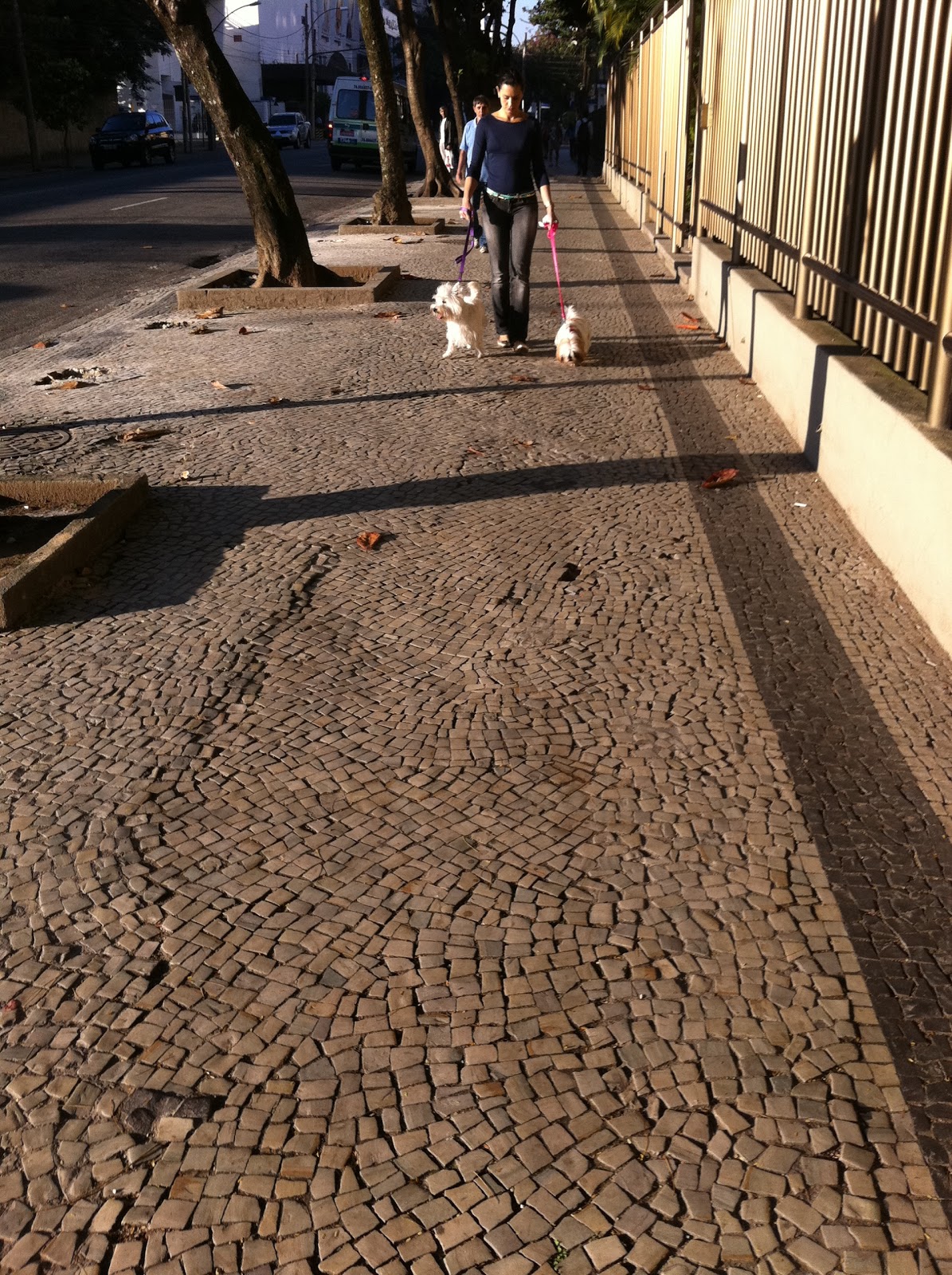 |
| original image |
 |
| resize to square format |
 |
| open the filter menu to see the blur option |
 |
| put the blur at 100% and choose the mask option. |
 | |
|
 |
| put the softness to minimum and the diameter on a medium size to start the blur |
 |
| let the details to the end |
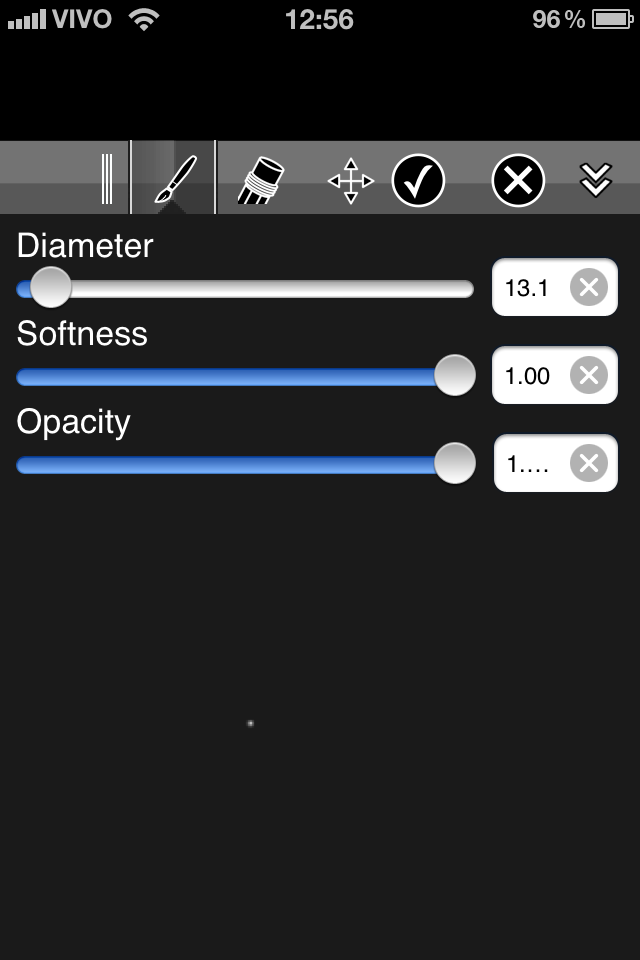 |
| Put the softness to the max and the diameter to a very little size |
 |
| it is time to give a big zoom on the image |
 |
| Go painting the background with big zoom and little brush size. |
 |
| now it is time save this image |
 |
| the image without background |
 |
| on this case i decided to make the image brighter |
 | |
|
 |
| i open the image on pop! cam of photoforge2, i like to click on the "random" button and untill i see something i like. |
 |
| after pop! cam i choose the auto adjustments option to improve the exposure |
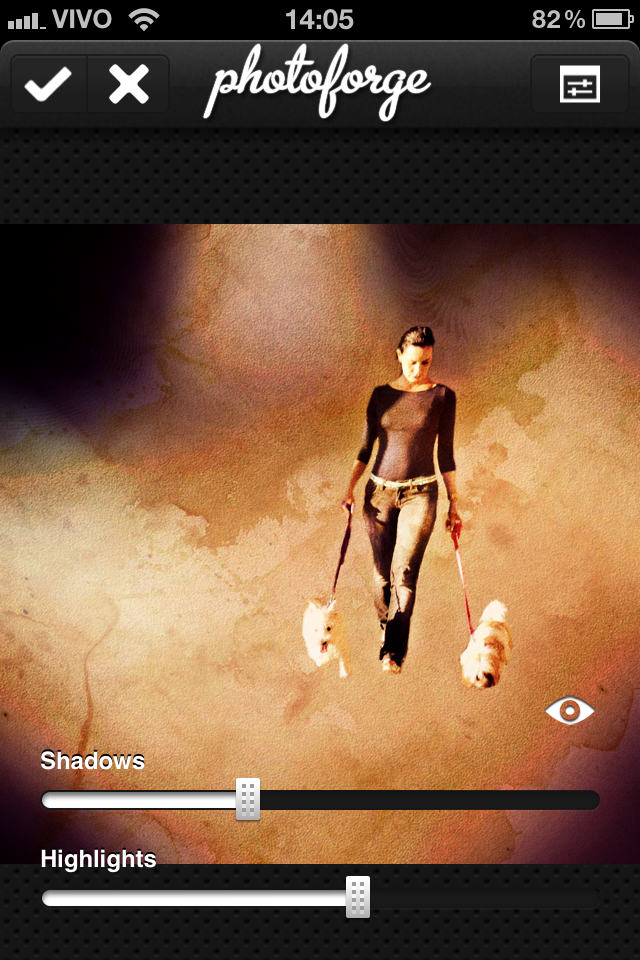 |
| i like to adjust the shadows and highlights |
 |
| And that is it, now it is time to post it on Instagram. |


